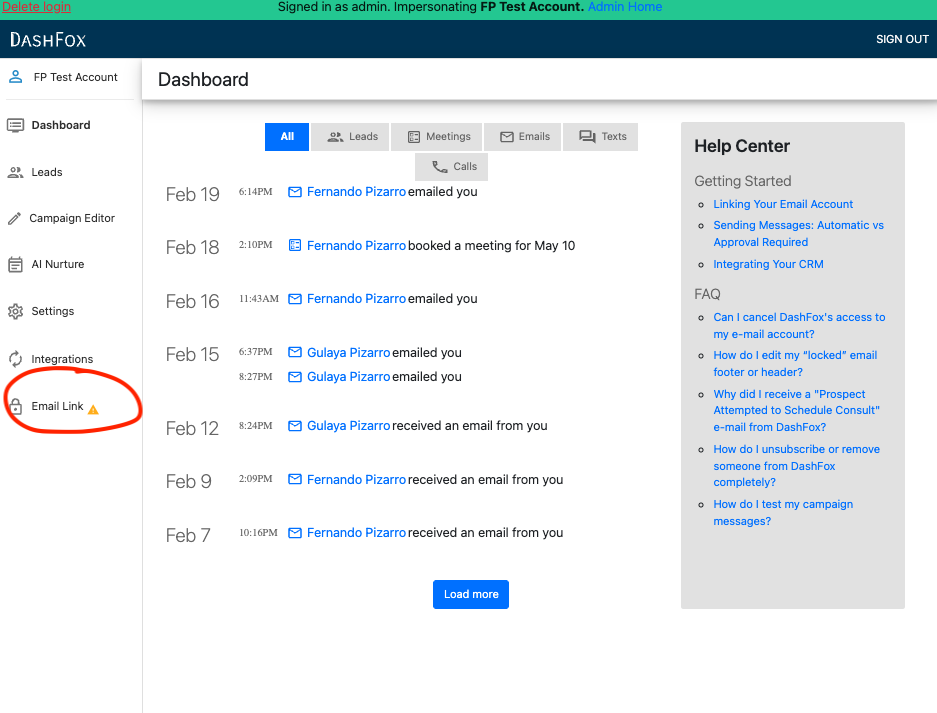
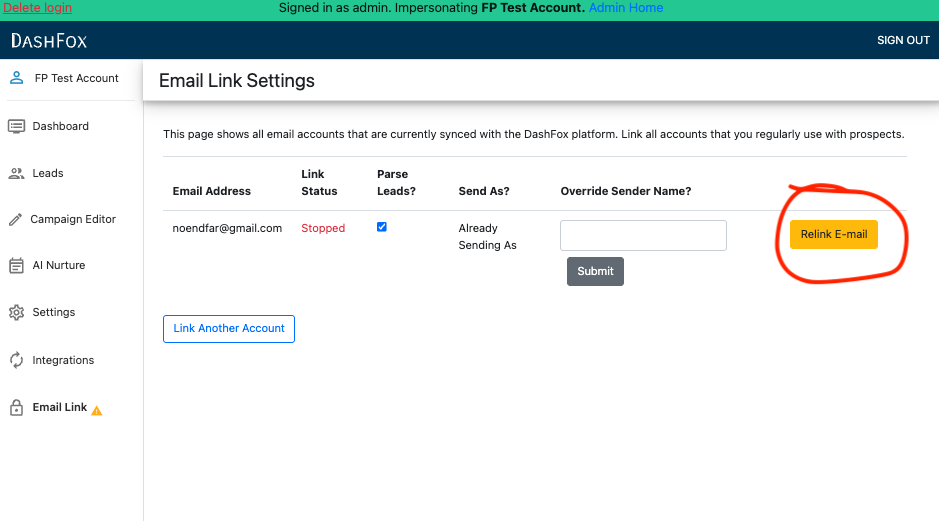
Step 2. Authenticate with Google
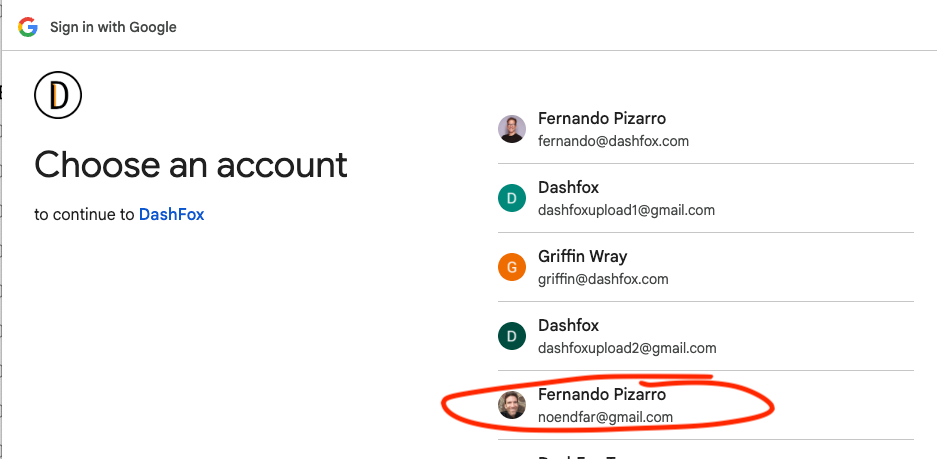
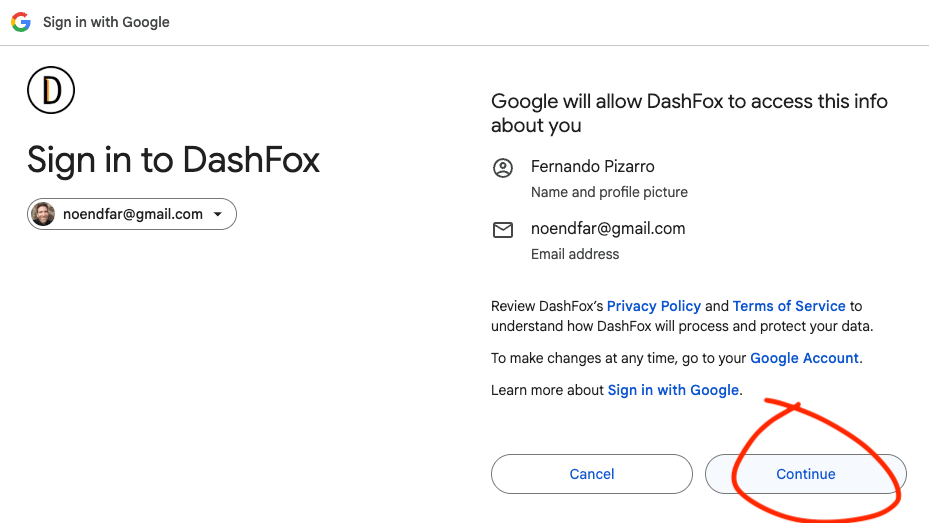
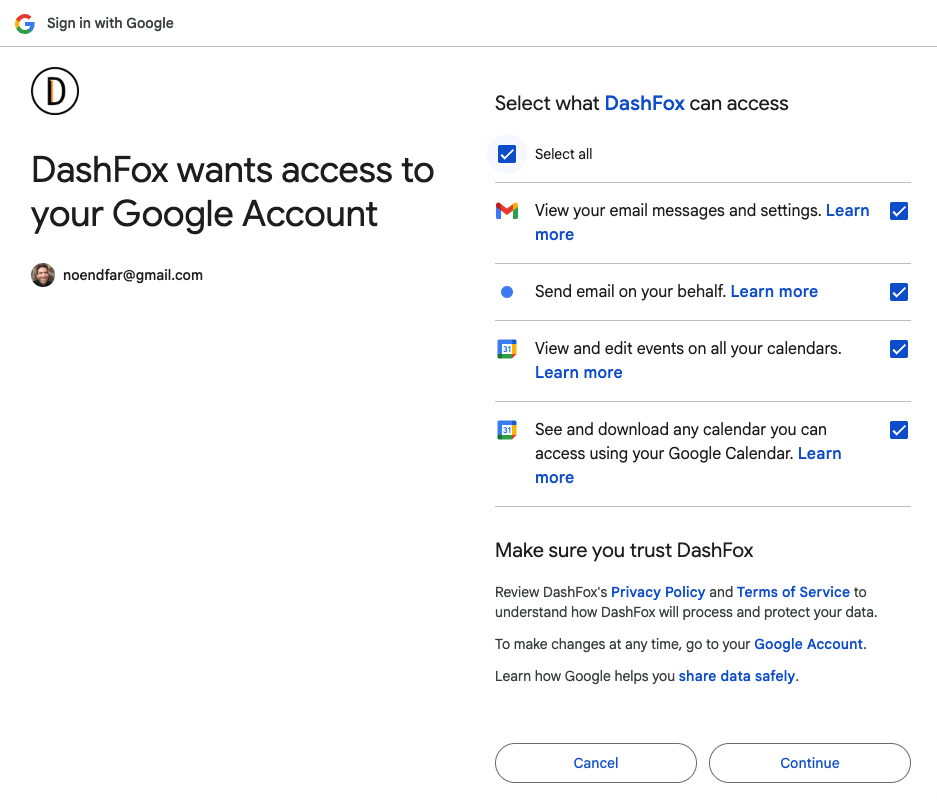
The next screen will ask you to grant permissions to DashFox, so that we can send/receive email on your behalf. All the permissions must be granted for DashFox to function properly. If you have questions about the scope of these permissions and why they are necessary, please reach out to hello@dashfox.com for details.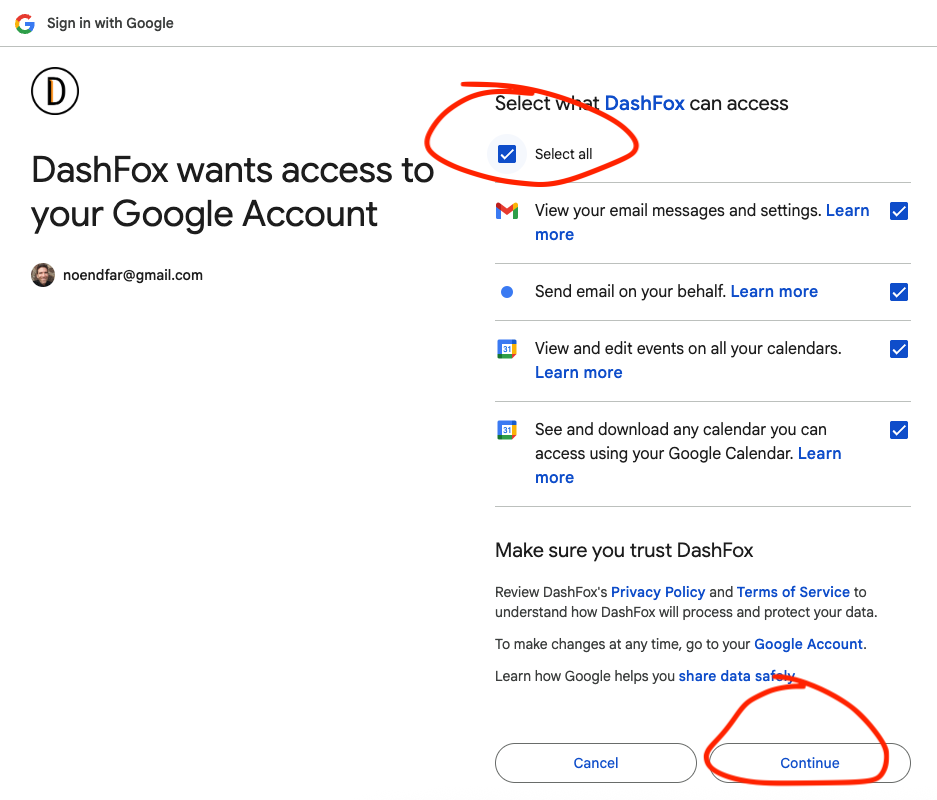
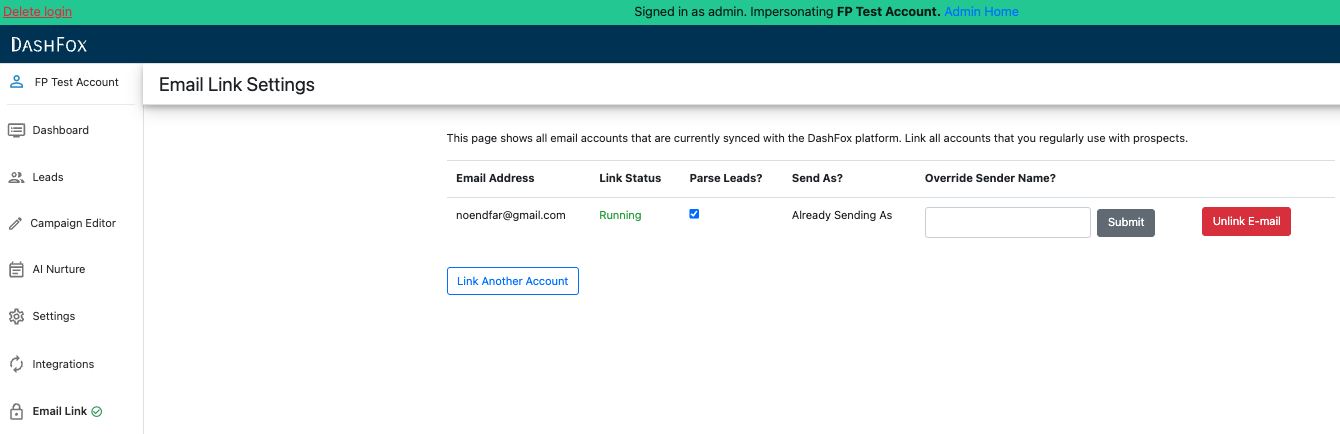
Once your email is successfully linked, you should be returned to the Email Link tab and see your email listed. If the status is not immediately listed as "running", please wait 10 seconds to allow the email to sync before refreshing your browser.